Home / Blog / Free Plagiarism Checker: Check Text Originality
Free Plagiarism Checker: Check Text Originality
Few words make a writer's stomach drop like "plagiarism." It sounds deliberate — someone stealing words on purpose. But most plagiarism problems are not theft at all. They are accidents: a sentence copied into your notes months ago and pasted back as if you wrote it, a paraphrase that stayed a little too close to the source, or two students who studied together and turned in suspiciously similar essays.
That is why checking originality should be a routine step, not a panic response. A quick check before you submit, publish, or hand over your work catches the overlaps you cannot see yourself — because you are always the worst judge of your own writing's familiarity.
HumanWritr's free Plagiarism Checker gives you that safety net. One important note on honesty before we begin: this tool compares the texts you provide — it checks for repetition inside your own document and compares two documents side by side. It does not scan the web or a database of published work. For drafting-stage originality and submission comparison, that is exactly the right scope — and this guide shows you how to use it well.
Why Originality Matters More Than Ever
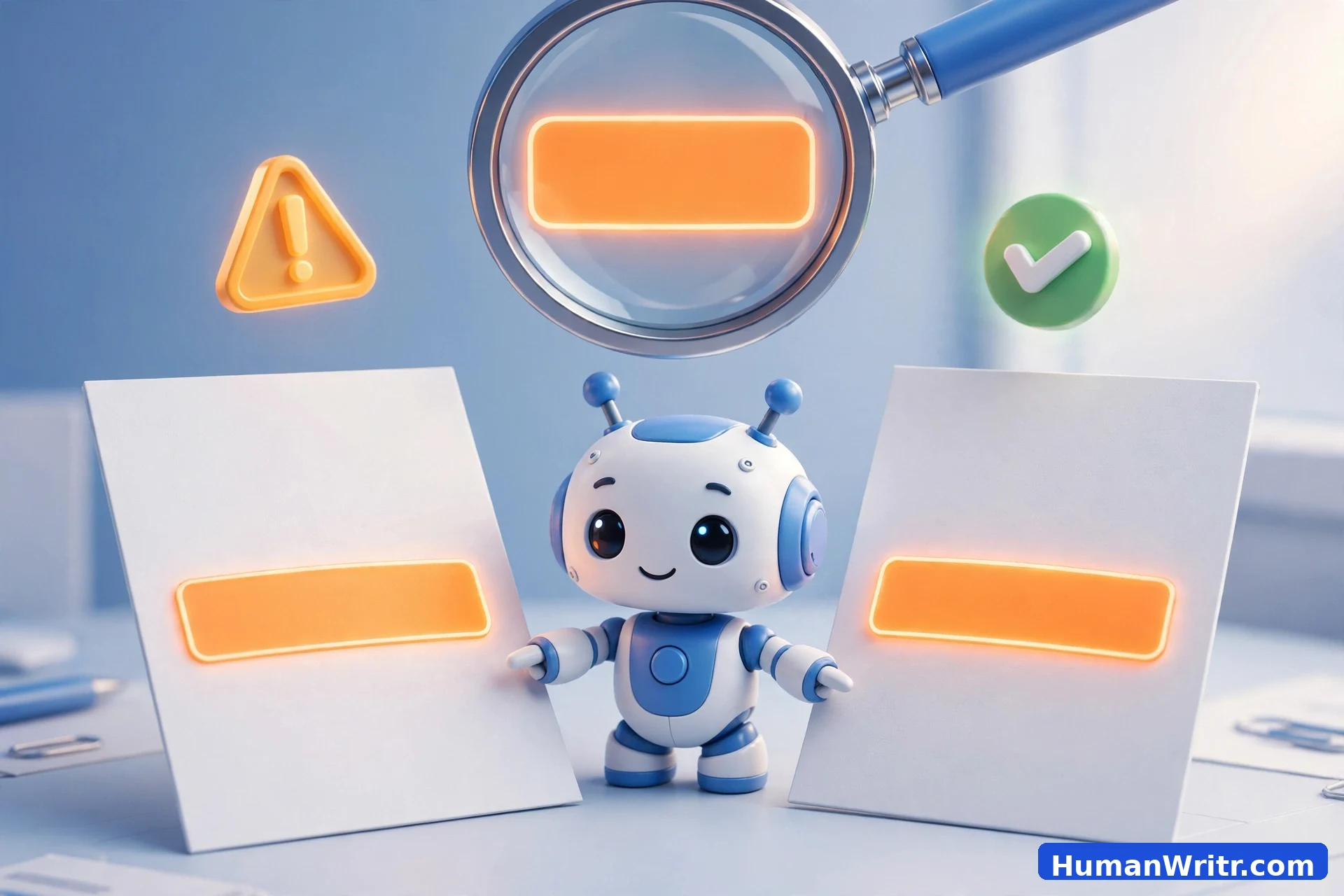
Originality is not just an academic rule. It protects you in every context where words carry your name:
- Academics. Universities treat unattributed copying as a disciplinary matter, and the consequences range from failed assignments to expulsion. Even unintentional overlap can trigger a formal process.
- Professional trust. Clients, employers, and readers extend you credibility on the assumption that your work is yours. One exposed copy-paste can undo years of reputation.
- Publishing and SEO. Search engines and publishers penalize duplicated content. Original writing ranks, gets accepted, and gets shared; recycled writing sinks.
- Your own growth. Every passage you genuinely write yourself sharpens a skill that copying never will. Originality is a practice, and practice compounds.
How to Use the Free Plagiarism Checker
The checker's self-check mode scans your document for repeated or closely matching passages within the text itself — the most common source of accidental duplication. It takes about a minute:
- Open the Plagiarism Checker.
- Paste your document into the main text box.
- Click "Check Originality." The tool compares every passage against every other passage in your text.
- Review the highlighted sections. These are the repeated or near-duplicate passages — boilerplate you reused, a quote you forgot to attribute, or a paragraph that appears twice after editing.
- Revise the flagged passages — rewrite, attribute, or cut — then run the check again to confirm.
Make this the last step before any submission. It is far better for a free tool to catch a duplicated paragraph than for a professor, editor, or client to find it first.
Comparing Two Documents Side by Side
Sometimes the question is not "did I repeat myself?" but "how similar are these two texts?" Teachers comparing student submissions, editors checking a draft against its source material, and teams merging contributions all face this version of the problem.
- Open the Plagiarism Checker and switch to compare mode.
- Paste the first document into the left box and the second document into the right box.
- Click "Compare Documents."
- Review the overlapping passages shown side by side, with a similarity summary. Focus on sustained matching stretches rather than isolated common phrases — every pair of essays about the same topic will share some vocabulary.
A note on interpretation: similarity is not automatically guilt. Two honest writers covering the same assignment will converge on facts, terminology, and structure. What matters is extended verbatim overlap — whole sentences or paragraphs appearing in both. Use the comparison as the start of a conversation, not the end of one.
Accidental Plagiarism: The Traps Writers Fall Into
Deliberate copying is rare; these traps are common. Learn their shapes and you will stop falling into them:
- Patchwriting. Copying a source paragraph and swapping a few words — changing "utilize" to "use" while keeping the sentence skeleton intact. It feels like paraphrasing, but the structure is still someone else's. Genuine paraphrase rebuilds the idea from scratch.
- The forgotten quote. You copied a striking sentence into your notes "temporarily," weeks passed, and it resurfaced in your draft as your own words. Quotation marks at the moment of capture prevent this entirely.
- Self-plagiarism. Reusing your own previously published or submitted work without acknowledgment. It is still your writing, but readers and institutions expect new work to be new.
- The too-close paraphrase. You understood the source and rewrote it — but kept its phrasing, rhythm, and examples. If your version could be mapped sentence-by-sentence onto the original, it is not yet yours.
- AI-assisted overlap. AI writing tools trained on vast text can reproduce familiar phrasings verbatim. If you build on AI drafts, check the result — and if you need the text to sound genuinely yours, our guide for students on making essays sound human walks through the process.
Practical Tips to Keep Your Writing Authentic
- Take notes in your own words from the start. If your notes are already paraphrased, your draft inherits originality instead of fighting for it later.
- Cite as you go, not at the end. Dropping in sources while drafting takes seconds; reconstructing them during a deadline panic invites the forgotten-quote trap.
- Separate research from writing. Close the source, then write the section from memory and understanding. Distance is the simplest originality engine.
- Run the checker before you submit, every time. Make it as routine as spellcheck — a thirty-second habit that prevents hundred-hour problems.
- When reusing AI-assisted drafts, rewrite with intent. Understand the difference between assistance and authorship; our honest answer on whether using AI writing help counts as cheating will help you draw the line clearly.
- Keep your sources. A simple list of links or a notes file turns any future question about a passage into a thirty-second lookup instead of a crisis.
What This Checker Can't Do
Honest scope matters, so here it is plainly: this checker does not scan the internet, compare against a database of books and journals, or detect paraphrased copying of sources it has never seen. No free in-browser tool can do those things — they require massive indexed databases and paid infrastructure.
What it does do, reliably and privately: find repetition inside your own document, and measure overlap between two documents you provide. That covers the drafting-stage risks — duplicated boilerplate, forgotten quotes, merged drafts, suspiciously similar submissions — which are precisely the problems most writers actually face.
Use it for what it is: a fast, free, private first line of defense. Pair it with good habits — notes in your own words, citations as you go, a final check before submitting — and accidental plagiarism stops being something you worry about. Try the free Plagiarism Checker on your next draft and make originality a habit, not a hope.
Try HumanWritr — Free Forever
Paste your document and find repeated or copied passages in seconds. Free, private, no signup.
Check Originality Free →